

Balancing Your Digital Life: Practical Screen Time Management Strategies for Better Health and Productivity
Hey, do you recall the days when the living room’s screens were merely TVs? These days, they are all over us phones, laptops, tablets and they demand our attention constantly. Like me, you may find yourself scrolling constantly and then feeling exhausted. The problem is that achieving balance is more important than completely giving up technology. With the help of some reliable science, we’ll examine how excessive screen time can negatively impact your health and productivity in this piece. After that, I’ll provide you practical management techniques as well as tools and advice to help it stick. Let’s give you greater energy and a sense of control.
The Impact of Excessive Screen Time: What Science Says
Let’s examine the research, even if we’ve all heard the cautions. Overuse of screens can have serious negative effects on your body and mind. Research demonstrates unmistakable connections between poor sleep, mental health challenges, diminished concentration, and even physical difficulties including poor posture. Being aware of this can inspire us to change.
On Sleep
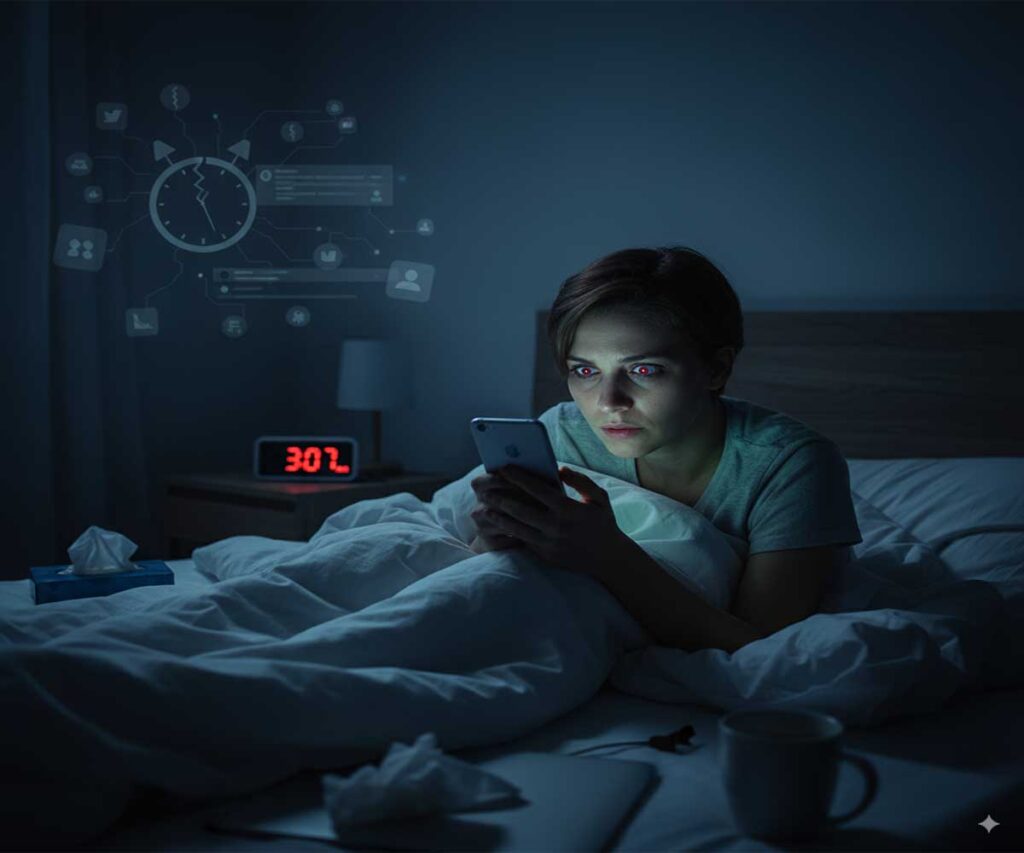
Blue light from screens is one of the main offenders, disrupting your body’s normal sleep cycle. The hormone that aids in falling asleep, melatonin, is suppressed by blue light. Any light can accomplish this, according to Harvard Health research, but blue light at night is particularly strong and may postpone the onset of sleep by hours. More screen use in bed reduces sleep duration and exacerbates symptoms of insomnia, according to a 2025 study published in Frontiers in Psychiatry. You may be preparing yourself for sleepless nights and drowsy mornings if you’re looking at your phone right before bed.
On Mental Health
Anxiety and despair can be exacerbated by excessive screen use. Overuse causes sleep deprivation, which is connected to mental disorders, according to a review in PMC. Another study emphasizes how it might exacerbate mental health by causing addiction and social isolation. An APA research from 2025 demonstrates a loop in which children who spend more time on screens experience emotional issues, which in turn lead to further screen use. It’s difficult to escape this vicious cycle without taking deliberate action.
On Focus
Have you ever noticed how difficult it is to focus after engaging in binge-scrolling? That is supported by science. Constant notifications cause attention to become fragmented, and excessive screen time is linked to behaviors similar to ADHD. According to a 2025 Nature article, excessive screen use is linked to disturbed circadian cycles, which affect concentration and cognitive ability. This can eventually make deep work seem unachievable, which will reduce productivity.
On Posture
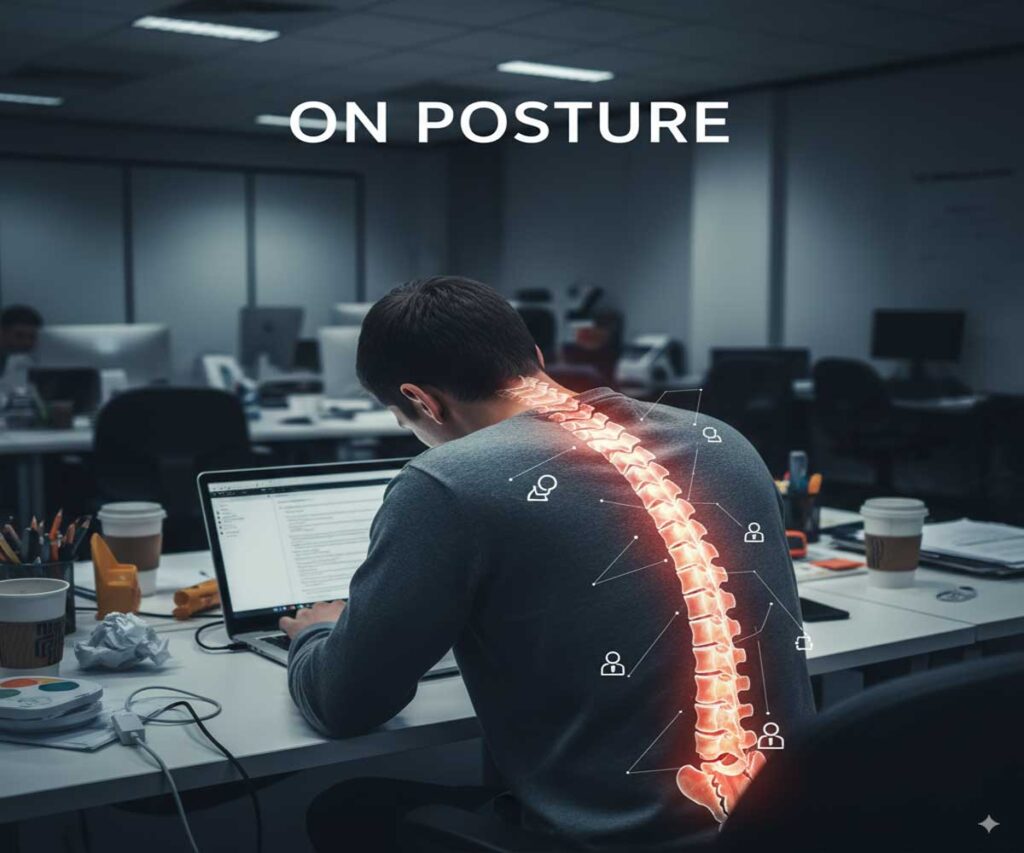
Back pain and “tech neck” are physical consequences of stooping over electronics. The link between extended screen time and musculoskeletal problems is covered in the same PMC review. Slouching can lead to poor posture, migraines, and even decreased lung capacity. It impacts your whole well being and goes beyond simply making you feel sore.
The good news is that these cumulative effects can be reversed with improved practices. Next, let’s examine our current position in relation to averages.
Understanding Average Screen Time: Where Do You Fit In?
You can assess your own habits by being aware of the norms. According to recent studies, screen time varies by age and frequently exceeds recommended levels. This table, which was taken from 2025 publications, compares averages across groupings. Remember that these are estimations based on the US or worldwide; your experience may differ.
| Age Group | Average Daily Screen Time | Source Notes |
|---|---|---|
| Under 2 years | 1 hour 3 minutes | From Motherly 2025 report |
| 2-4 years | 2 hours 8 minutes | From Motherly 2025 report |
| 8-18 years | 7.5 hours | US average from AACAP; lower-income teens up to 9 hours 19 minutes |
| 16-64 years (adults) | 6 hours 40 minutes | Global from Magnet ABA; nearing 7 hours overall |

Practical Strategies to Manage Screen Time
Alright, on to the practical portion. These aren’t lofty ideals; they’re simple actions that I’ve either taken myself or witnessed others take. To get things going, start with one or two.
- Set App Limits: To limit the amount of time spent on apps like social media, use built in tools like Screen Time on iOS or Digital Wellbeing on Android. Limiting your daily Instagram usage to 30 minutes, for instance, makes you more deliberate.
- Utilize the Device’s Settings: To make your phone less visually appealing, turn on grayscale mode or select Do Not Disturb for when you need to concentrate. Blue light filters or Night Shift can be useful in the evenings to preserve sleep.
- Plan Tech Free Pauses: Try the 20 20 20 rule, which calls for 20 seconds of looking 20 feet away every 20 minutes. Or exclude “no screen zones” such as the first hour after waking up or during meals.
- Arrange Weekends for Digital Detox: Choose one weekend per month to spend primarily offline, such as hiking, reading, or socializing. It clears your mind and demonstrates how much more liberated you feel from incessant pings.
- Use your phone mindfully by asking yourself, “Why am I doing this?” before you take it up. It stops scrolling without thinking. Reminders can be triggered by apps, but habit awareness is the first step.
An original insight: Think of screen time like calories not all are bad, but quality matters. Prioritize productive use (work, learning) over passive (endless feeds) for better results.
Digital Wellness Tools to Support Your Efforts
Technology can be used to subdue it. These tools, which range from hardware to software, can help with management.
Applications for Monitoring and Restricting: Distracting websites are blocked by Freedom or Forest, which gamify concentration by using virtual trees that “die” if you stray. RescueTime automatically monitors use and provides weekly results.
Blue Light Filters: f.lux reduces blue light by adjusting screen color according to the time of day. Although third-party choices provide greater customisation, built in alternatives are also functional.
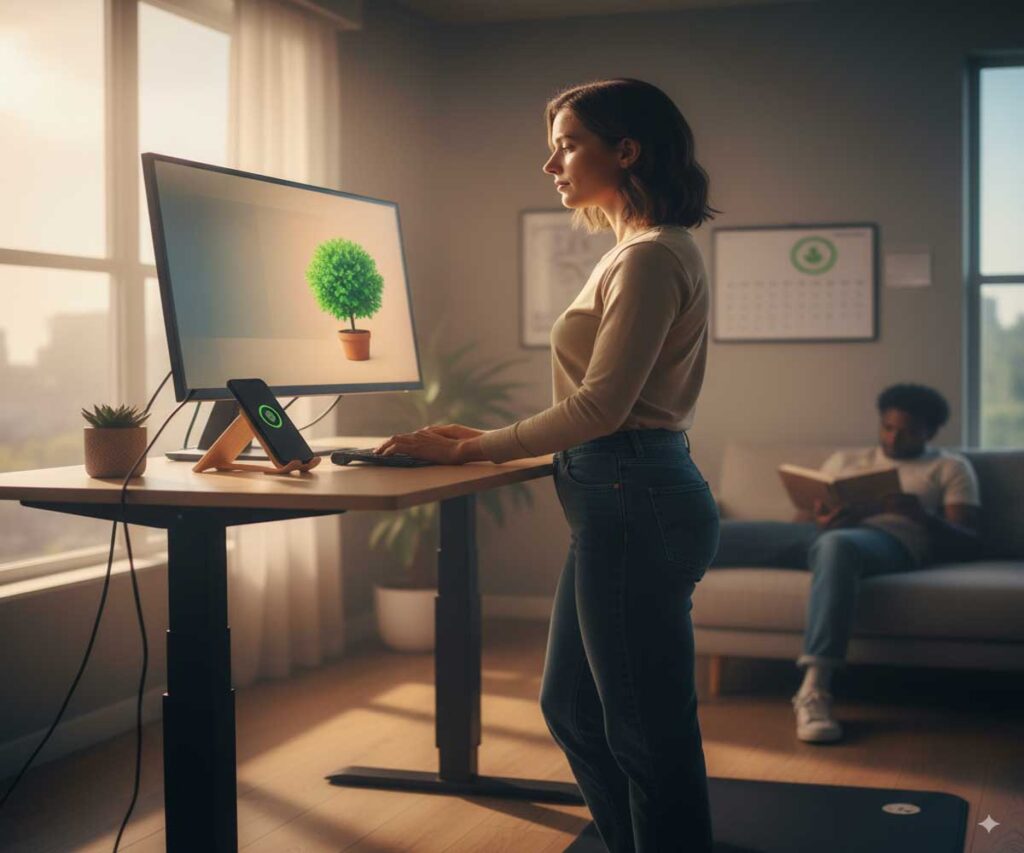
Standing Desks: A convertible desk allows you to stand for a portion of the day in order to address posture difficulties. It’s revolutionary for back health when combined with an anti fatigue mat for comfort.
Time trackers: Toggl or Clockify record time on several devices so you can identify trends. Qustodio places restrictions on children for households.
Choose the right tools for your needs; complicating things too much can backfire. Try a few and see which one sticks.
FAQ: Common Questions on Screen Time Management
Have inquiries? Based on recommendations from experts, these are responses to some commonly asked questions.
- What is an excessive amount of screen time? Age related differences exist. Aim for one hour on weekdays and up to three on weekends for children ages two to five. Encourage breaks and non-screen activities while maintaining a balance for children aged 6 and up. Adults: Aiming for less than seven hours each day while putting quality first is a smart idea.
- Does blue light actually have an impact on sleep? Indeed, research shows that it interferes with circadian cycles and suppresses melatonin. According to studies, exposure in the evening can postpone bedtime and decrease deep sleep.
- Is it beneficial for kids to have screen time limits? Of course. Limits break negative patterns, increase sleep, and lessen emotional issues. Minimal exposure for children under two; high quality content aids in the development of older children.
Wrapping It Up: Embrace Balance for a Better Life
Technology is fantastic for connecting and creating, so balancing your digital life doesn’t mean avoiding screens. It’s about making good use of it such that it improves rather than detracts from your productivity and well being. Be kind with yourself on your days off, start small, and monitor your progress. You’ll experience greater delight offline, improved sleep, and increased focus over time. Here’s to a more balanced you, you can do this.
